Knowing how to enhance real estate photos with AI is a skill every listing agent benefits from. It shortens photo production time, raises the quality floor of your entire listing library, and saves external editing fees. This guide gives you a clear, repeatable process you can apply to any listing.
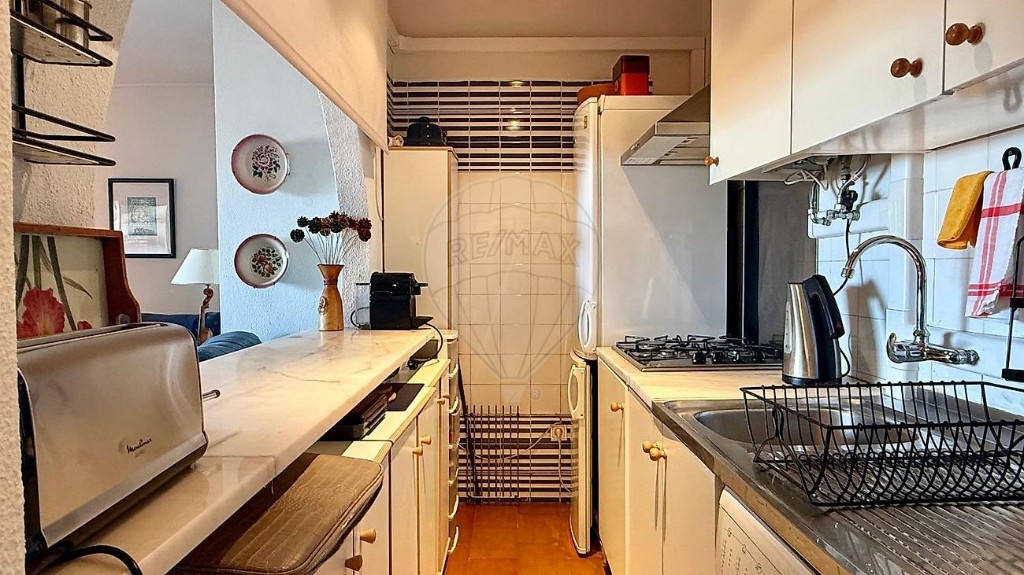
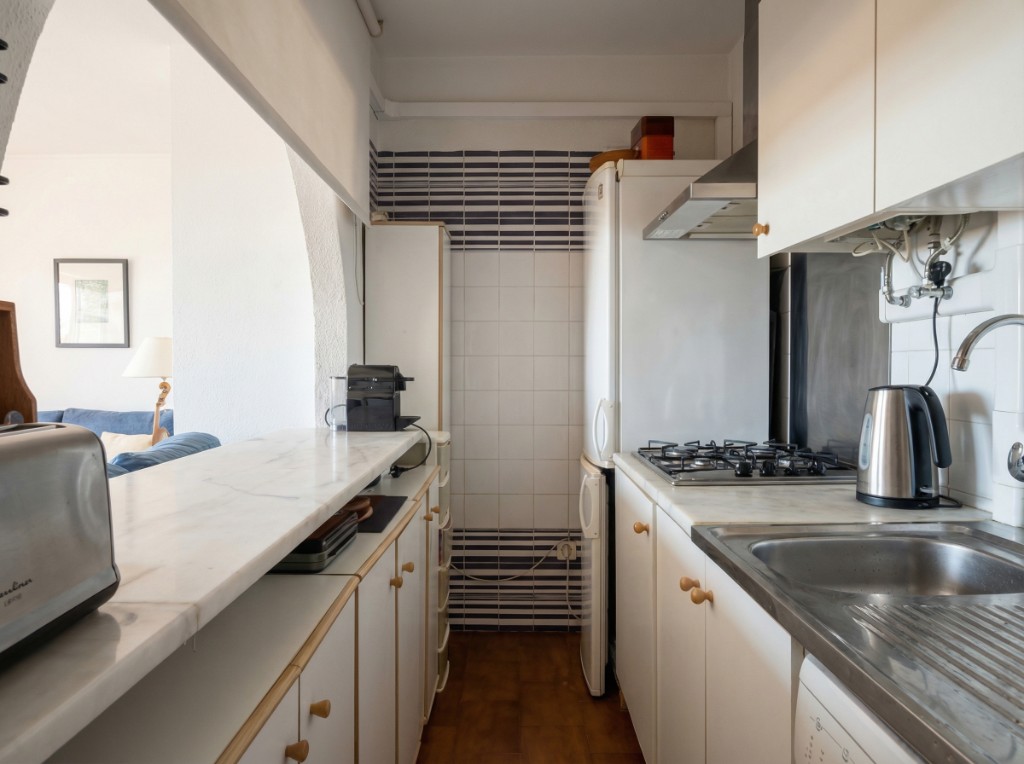
Start with the best input you can capture
PhotoStaging can automatically fix many technical issues (including perspective balancing, exposure, and white balance), so the photo does not need to be perfect to get a professional result. Better inputs still improve consistency across full listing batches.
- shoot during the brightest natural light possible
- keep framing stable and clear around key room lines
- turn on all interior lights
- avoid extreme lens stretch when possible, even though AI can correct common distortion
A step-by-step AI enhancement process
A reliable workflow that works for most listings. PhotoStaging uses pre-built prompts for real estate enhancement, so agents can start from a guided setup instead of writing technical editing instructions manually.
One-click real estate photo enhancement
Watch how PhotoStaging improves light, color, and clarity with a simple enhancement workflow.
1. Upload and batch
Load all photos of the listing together. Batch processing keeps color and exposure consistent across the listing.
2. Apply enhancement
Let PhotoStaging apply exposure, white balance and sharpness corrections automatically. The pre-made prompts are tuned for common property photo issues and are designed to produce the right output in most standard requests.
3. Review edge cases
Check window-heavy rooms, bathrooms, and exterior shots more carefully — they benefit the most from review.
What AI can and cannot fix
AI is very strong at exposure, color, clarity, and perspective cleanup. It can also remove many distracting objects with predefined workflows. For heavily cluttered scenes or blocked architectural elements, a quick human prep still improves final consistency.
Room-by-room tips
Small adjustments per room type give much better results.
- living rooms: prioritise balanced exposure between windows and sofa
- bedrooms: warm white balance, neutral bedding
- kitchens: clarity on surfaces, neutral whites
- bathrooms: cool whites, reduced reflections
Frequently asked questions
Can I enhance old listing photos?
Yes. Many agents rerun older listings through AI enhancement to refresh portfolios and marketing materials.
Does enhancement change the actual space?
No. Enhancement adjusts color and exposure; it does not change architecture, fixtures, or finishes.
How many photos per listing should I enhance?
All publishable photos — consistency matters more than volume.
Ready to start?
Create listing-ready visuals in minutes. No credit card required.
Read the full guide: Real Estate Photo Enhancement with AI